Calendar Competition
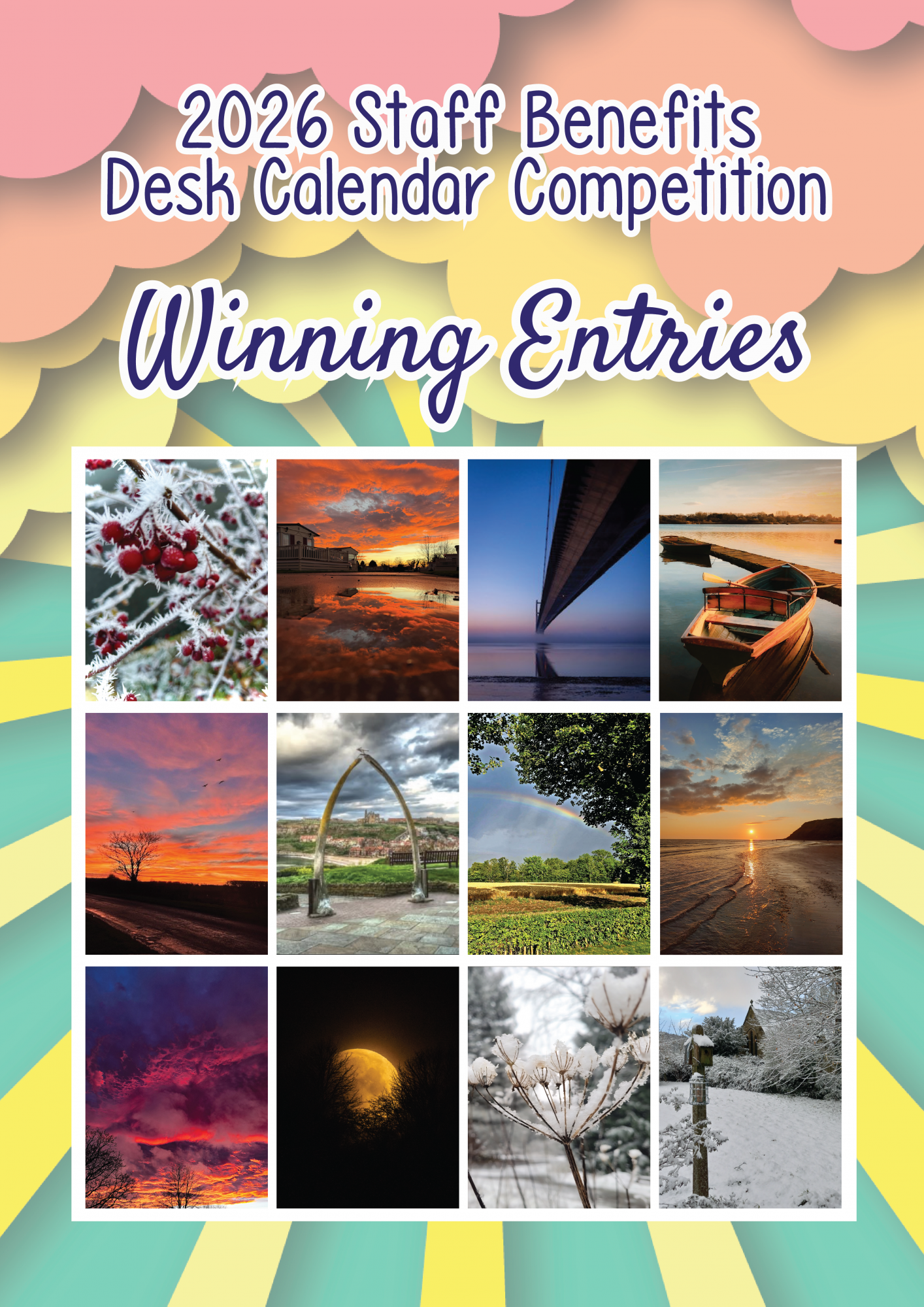
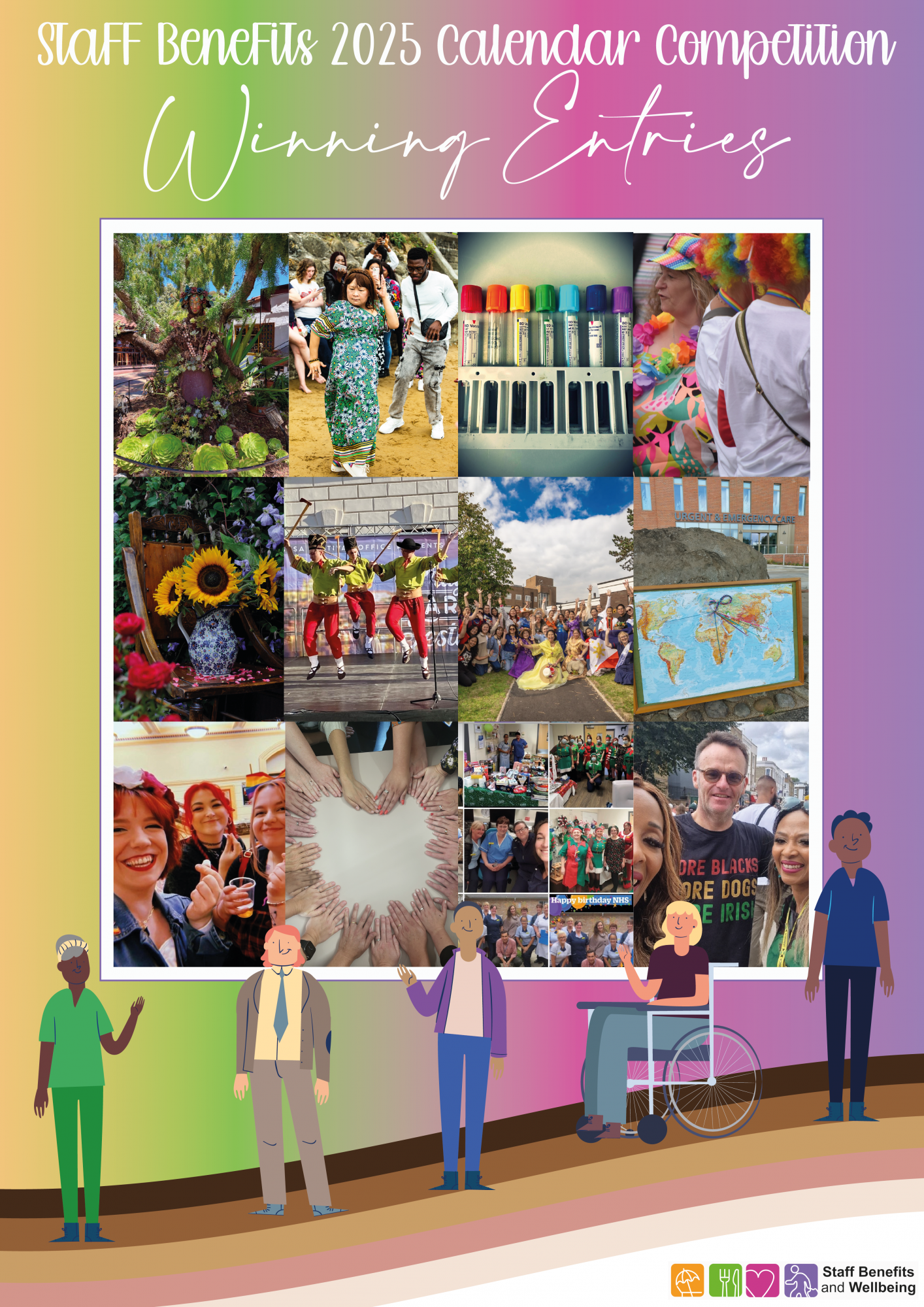
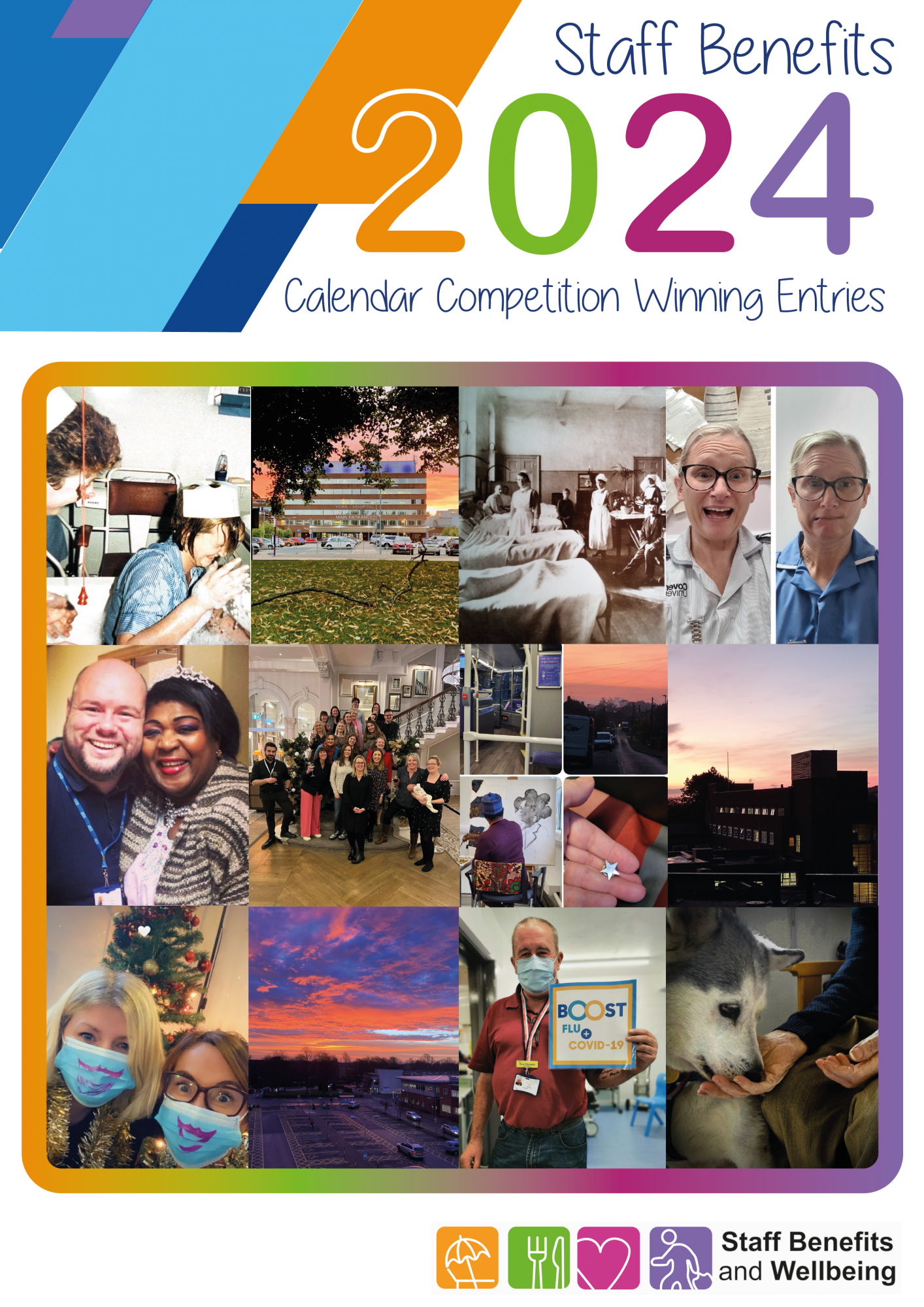
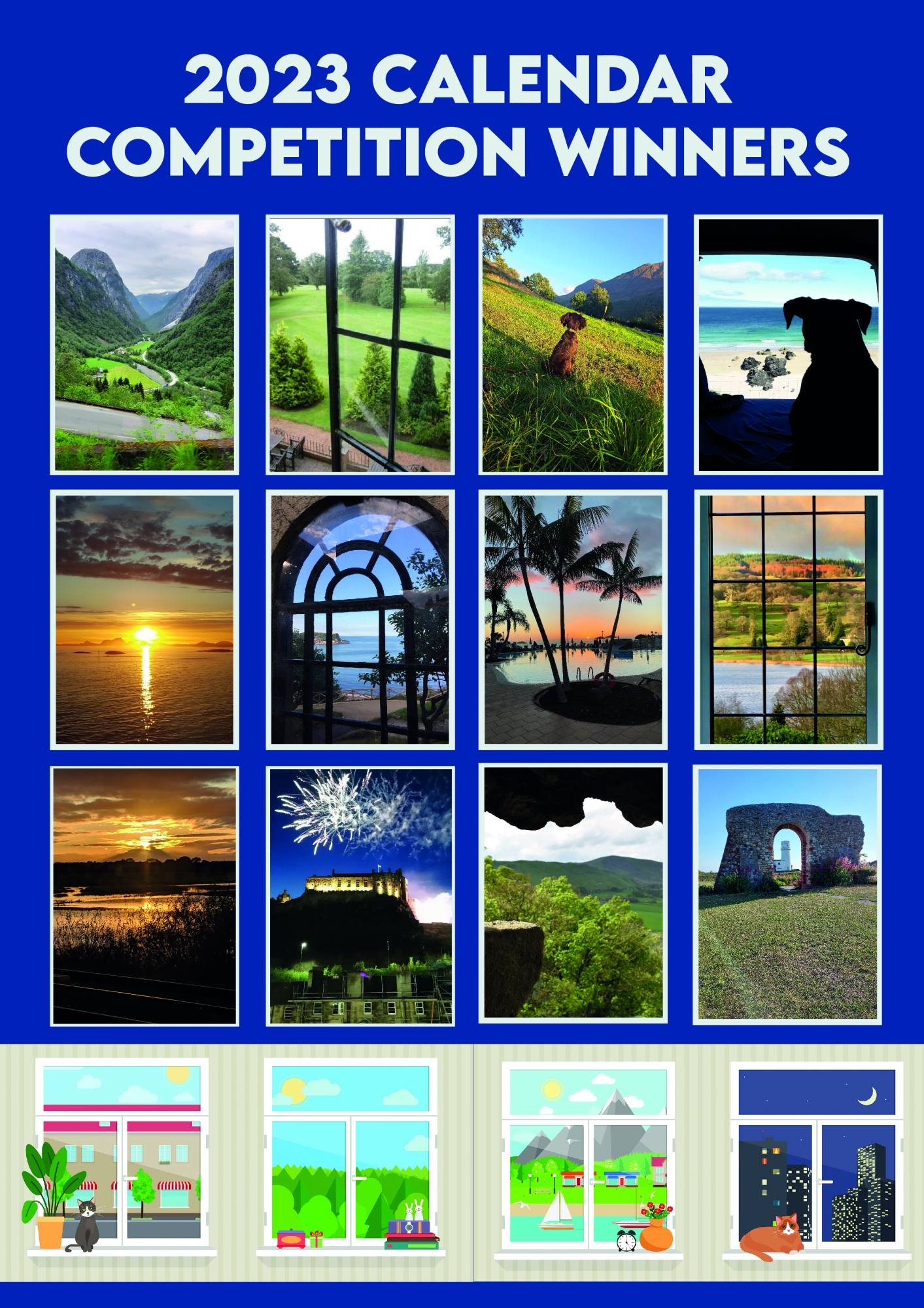
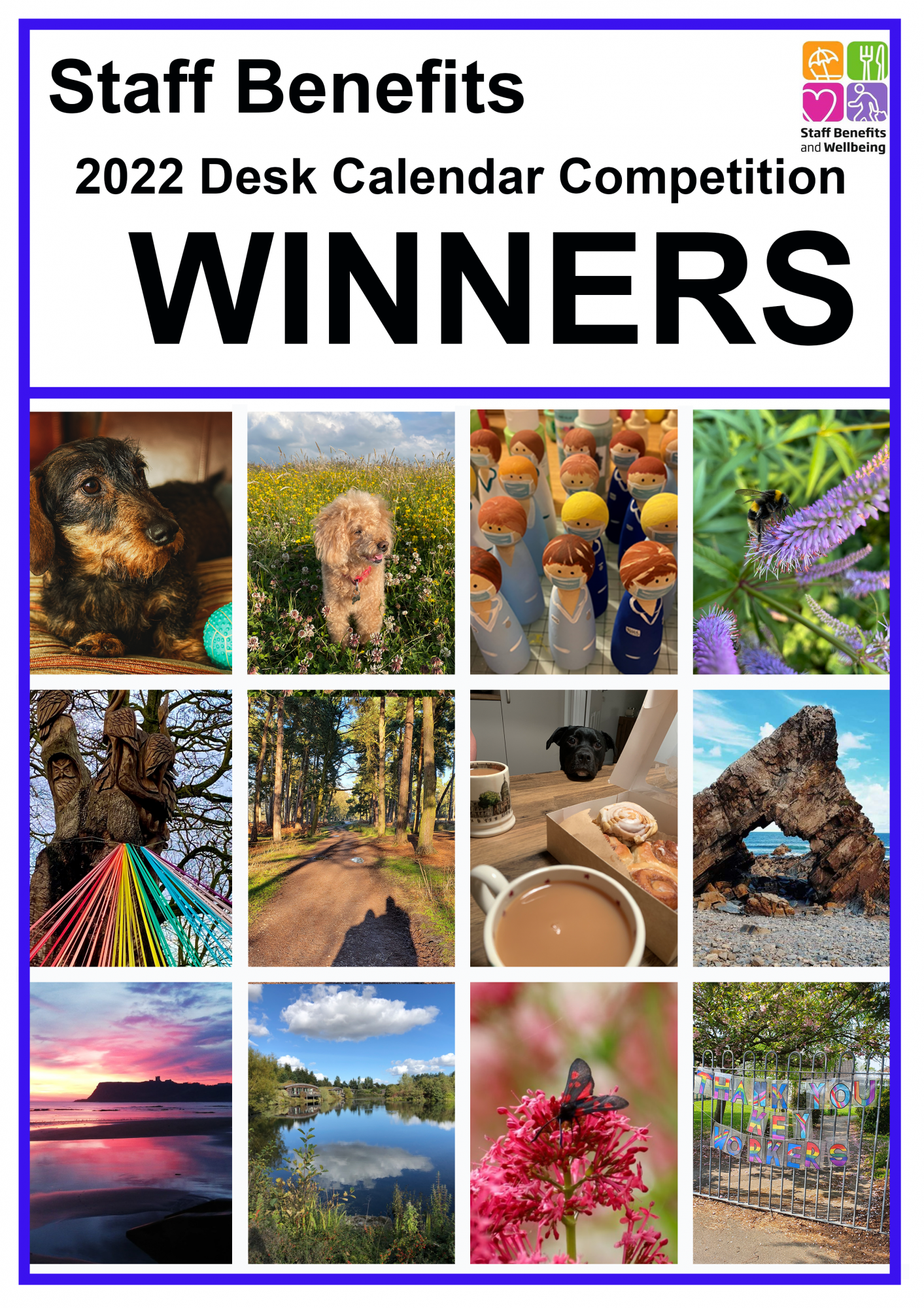
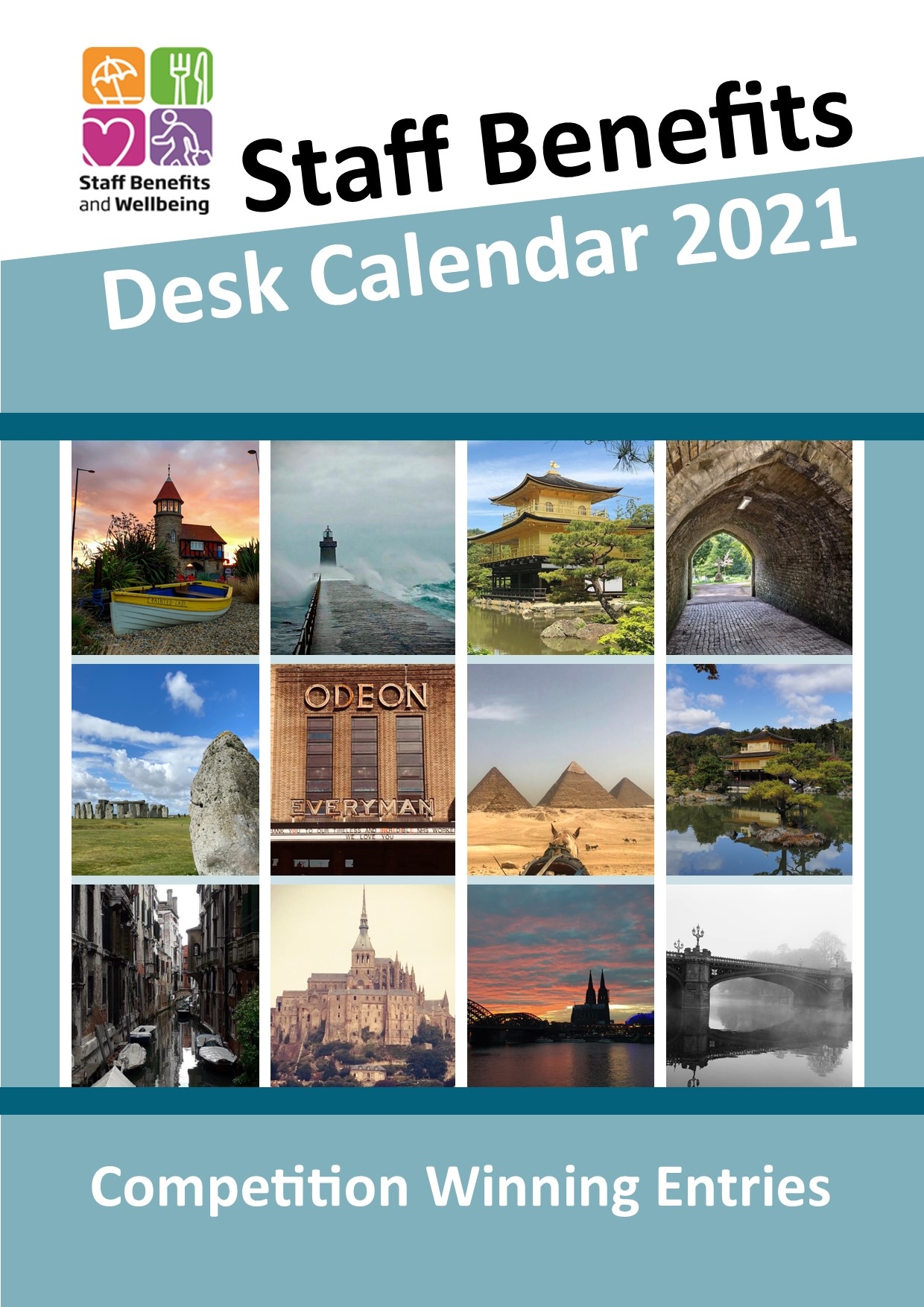
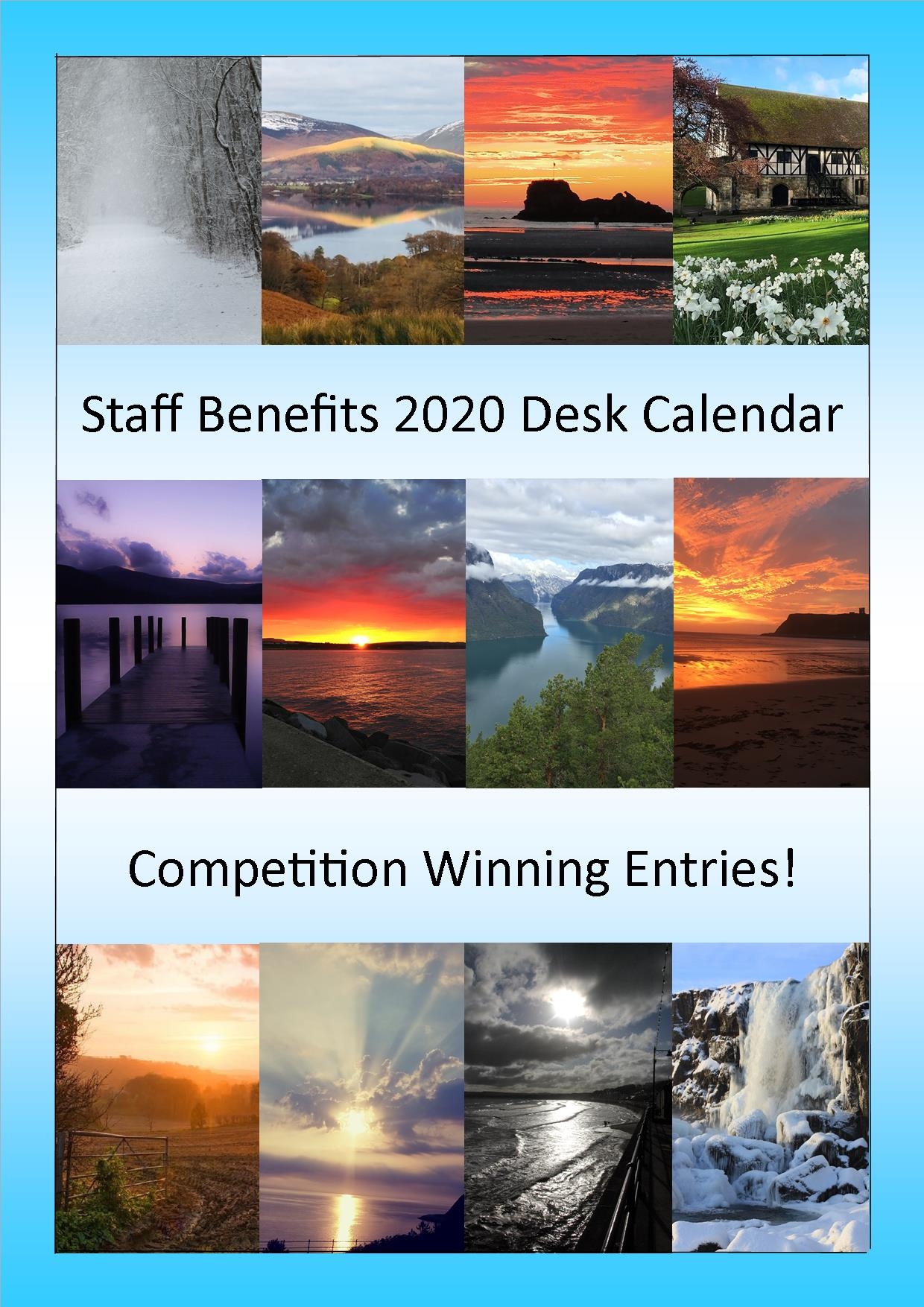
Each year, Staff Benefits host a competition where twelve winners feature in the following years desk calendar. The competition gives staff a chance to showcase their fabulous photography skills and the desk calendars are then handed out to employees of the Trust for free!
How to save the Staff Benefits and Wellbeing section to your home screen
iPad or iPhone
- Launch “Safari” app.
- Enter into the address field the URL of the website you want to create a shortcut to. Tap “Go.”
- Tap the icon featuring a right-pointing arrow coming out of a box along the top of the Safari window to open a drop-down menu.
- Tap “Add to Home Screen.” The Add to Home dialog box will appear, with the icon that will be used for this website on the left side of the dialog box.
- Enter the name for the shortcut using the on-screen keyboard and tap “Add.” Safari will close automatically and you will be taken to where the icon is located on your iPad’s desktop.
Android
- Launch “Chrome” app.
- Open this link.
- Tap the menu icon (3 dots in upper right-hand corner) and tap Add to homescreen.
- You’ll be able to enter a name for the shortcut and then Chrome will add it to your home screen.
2027 Calendar Competition
The 2027 calendar competition is now closed to new entries
The Competition
We asked – you voted! The theme for the 2027 Staff Benefits Desk Calendar is ‘animals doing funny things’! Pets sleeping in strange places, zoo animals causing chaos, perfectly timed silly faces – we want to see them all!
Judging
All entries will be considered by a panel of judges. The panel will score each entry and the 12 highest scores will win; one for each month of the 2027 Staff Benefits calendar. All entries will be saved in an image bank for use by the Staff Benefits team and posted on our social media pages throughout 2027.
Previous Calendar Competition Winners